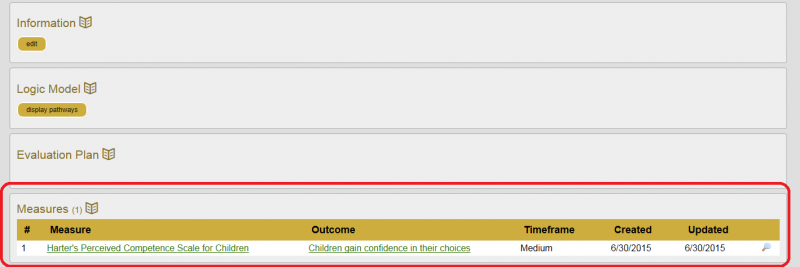
When you associated (or link) a measure to an outcome in your model, they will be reflected in the “Measures” section on your program page (under the Evaluation Plan section). Before you can associate a measure with your outcome, you need to bookmark the measure. If the measure isn’t in the Netway Measures database, you may add information about the measures you are using so you can associate it with your model.
- First – Bookmark a measure:
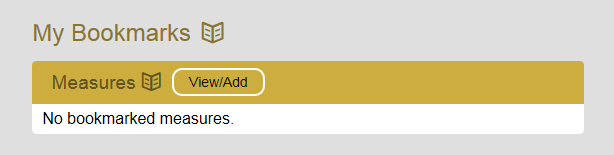
- From the My Netway page, under My Bookmarks, click “View/Add”
- Search the measures database for measures of interest to you (or add your own measure information to the database (see “Adding Measures to Netway)
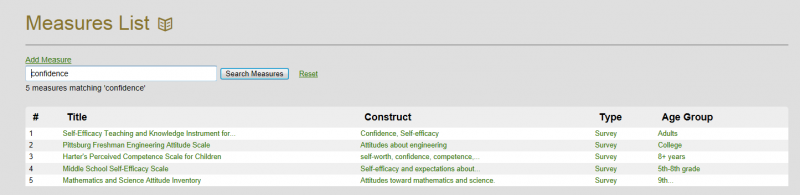
- Click on the measure of interest
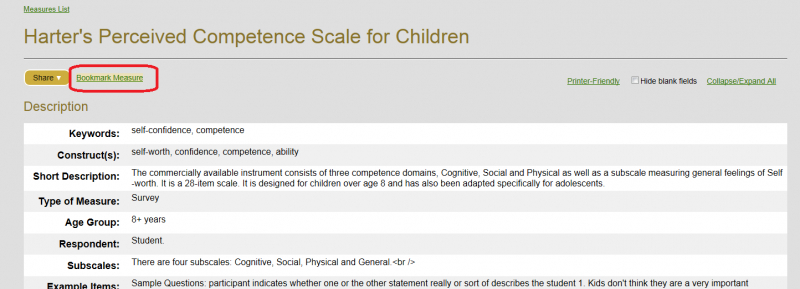
- At the top of the measures page, click “Bookmark Measure“
2. Then associate an outcome with the measure
- Go to your logic model and click on the outcome of interest to open the edit box.
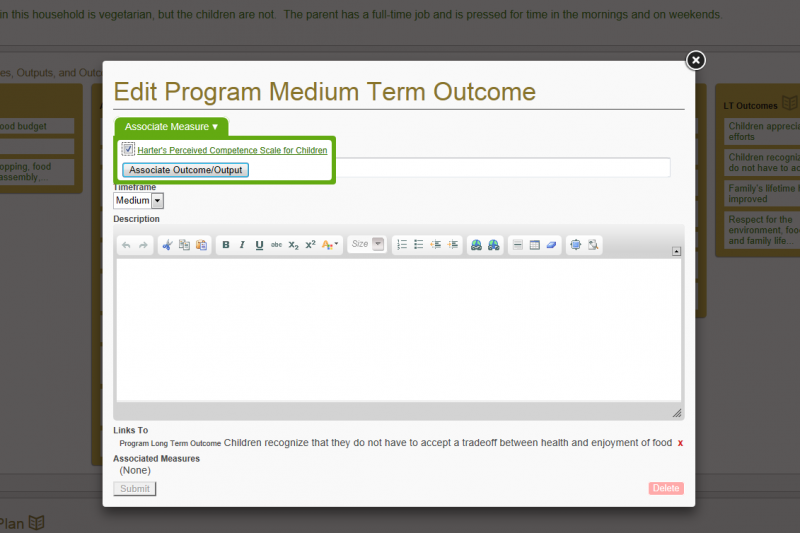
- At top of the edit box click on “Associate Measure“, then click on “Associate Outcome/Output”
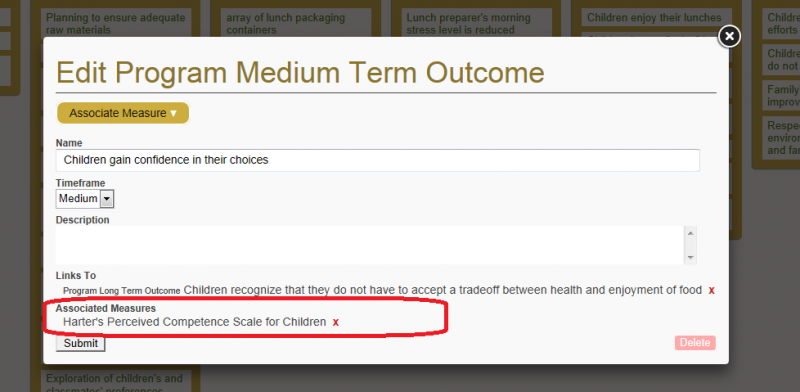
- You can see your measure association both from within the outcome and from your program
 and
and