Users can share “Programs”, “Measures”, “Outcomes, and “Playlists” with individuals or with programs.
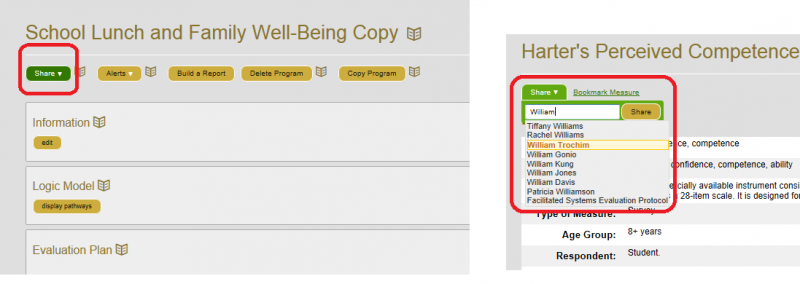
If you want to bring something to someone’s attention, click the “Share” option and type in their name – select the appropriate name when it appears. If you want to share it with all the people on a program, type in a keyword, or the name of the program. You can only share with one program or person at a time.
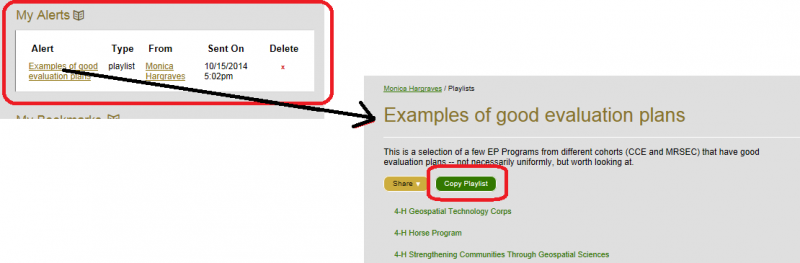
Items shared with individuals will appear in their MyNetway page under “My Alerts“. If a playlist is shared, the recipient may copy it and save it to their playlists
(Note – you will have to share the playlist again if you make changes to a playlist you may want to share it again – as changes to either the original playlist or the copied playlist will not be carried over to the other – for more information on playlists, see that link to the left).